


 Banking → Company cards lists the cards issued on your company’s account: who holds each one, which account it draws on and its status. If your Banking menu has no Credit card item, the sidebar calls this page Cards.
Company Admins and Bookkeepers manage cards after your company finishes onboarding. Each employee sees their own on My cards (see My cards).
See your company’s cards
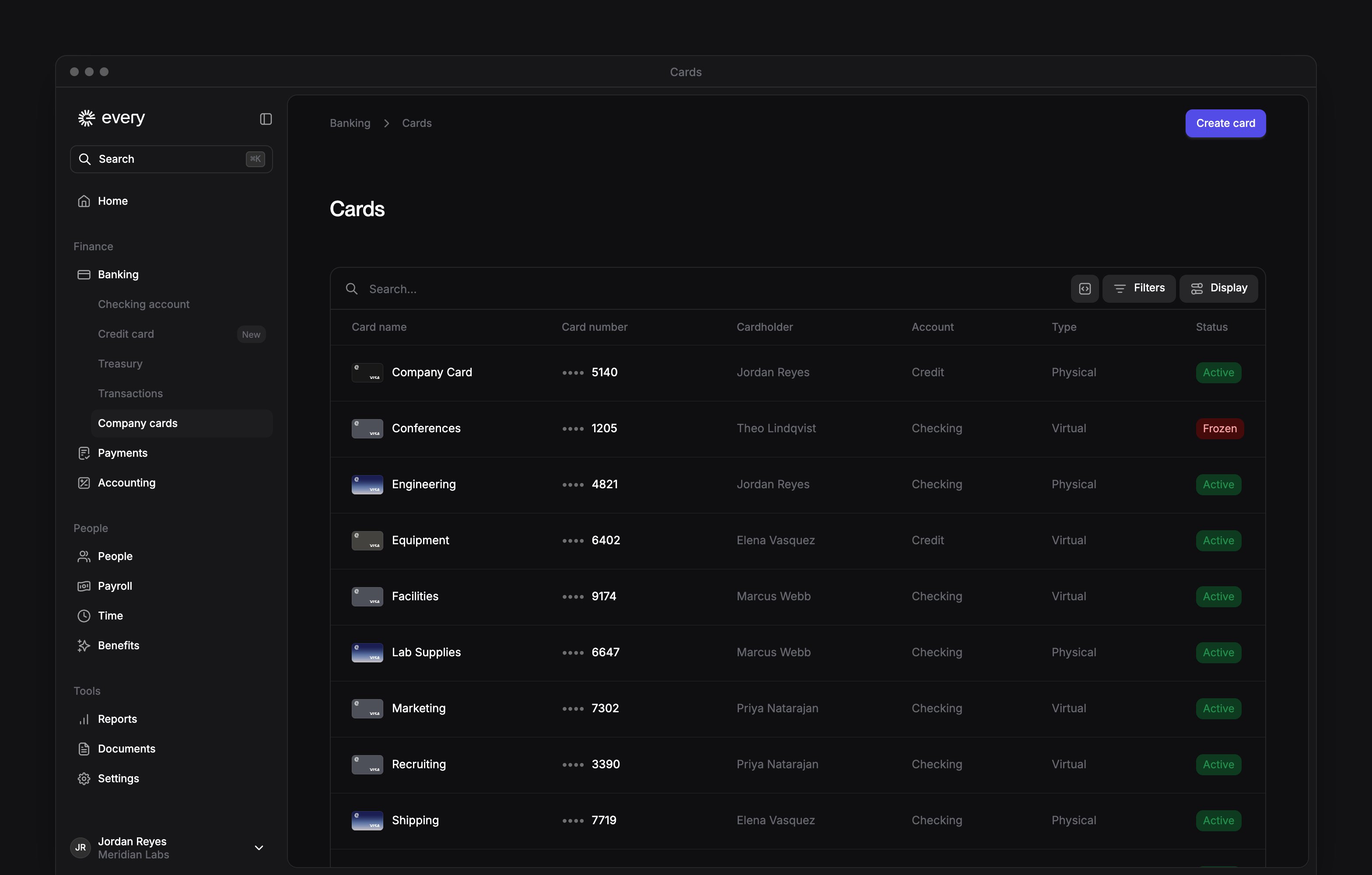
The list shows each card’s name, number, cardholder, account, type, sharing and status. Closed cards are hidden. To see them, select Display and turn on Show closed cards.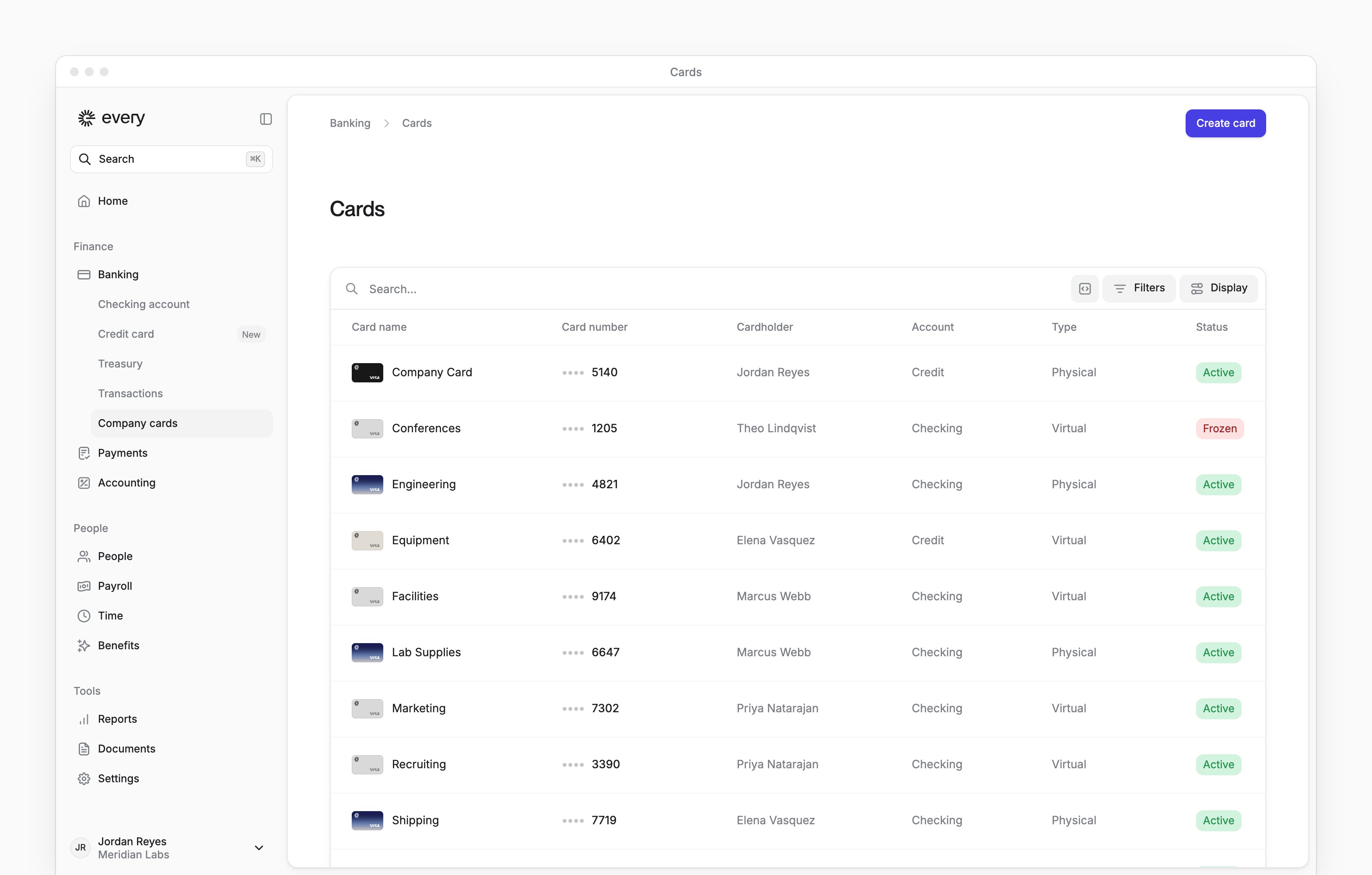
Create a card
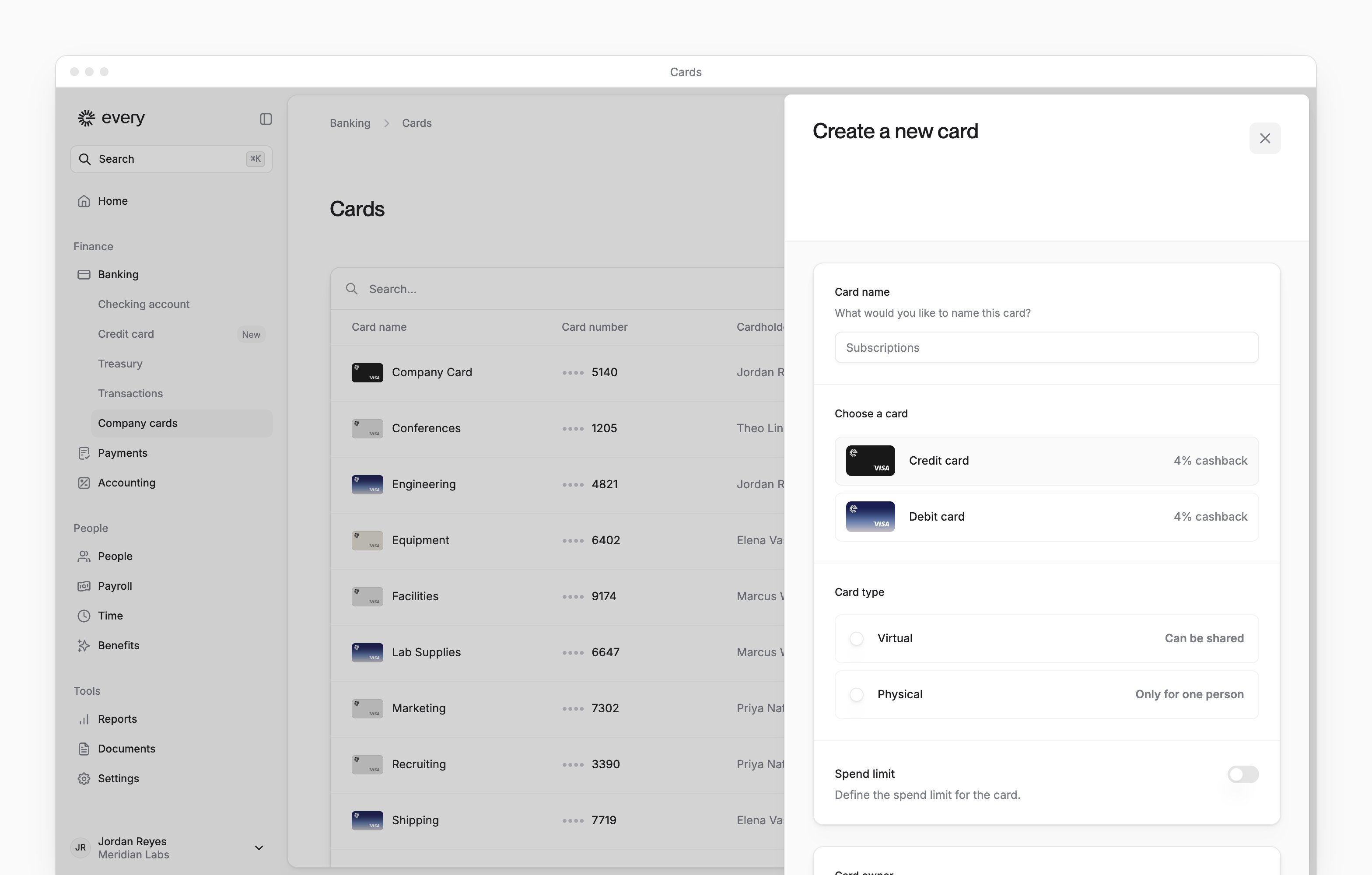
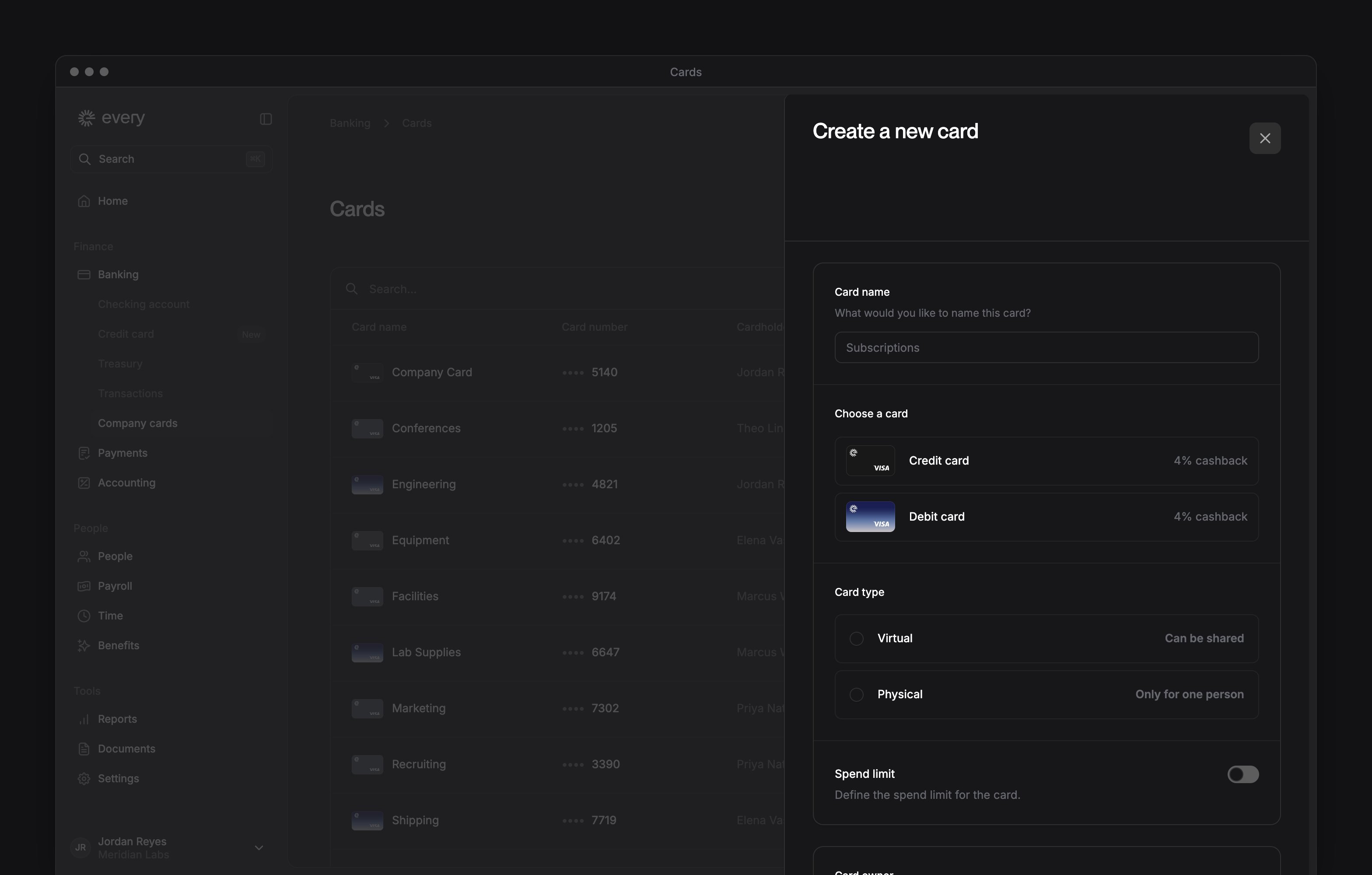
Only Company Admins see Create card. Select it, then fill in the Create a new card sheet:1
Name the card
Enter a Card name, such as the team or what the card is for.
2
Choose credit or debit
Under Choose a card, choose Credit card or Debit card. You see Choose a card only if the sidebar says Company cards. Credit card can be chosen once your company’s credit account is open. Before that, it shows how to apply or where your credit application stands.
3
Choose virtual or physical
Under Card type, choose Virtual or Physical.
4
Set a spend limit
Optional: turn on Spend limit, choose a Period and enter the amount.
5
Choose the card owner
Choose the Card owner: the person the card is issued to.
6
Choose who can use the card
Under Shared card, choose Card owner to keep the card to one person, or Shared with multiple people and select who else can use it. People you share with get access to the card details but can’t change its settings.
7
Add accounting defaults
Optional: if Accounting settings appears, choose a Default account and Default department for QuickBooks.
8
Enter the shipping address
For a physical card, enter the Shipping Address.
9
Create the card
Select Create card.
Manage a card
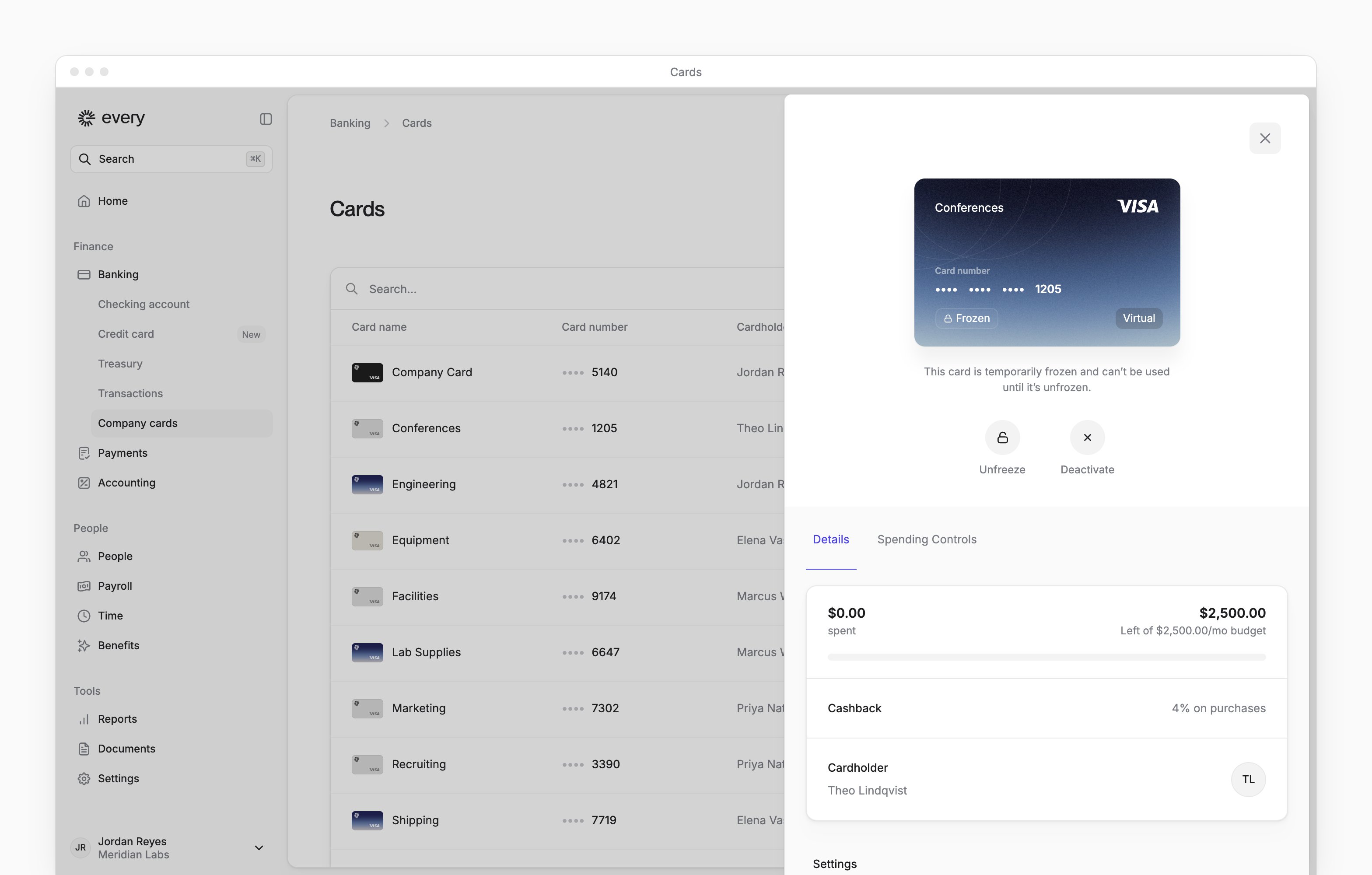
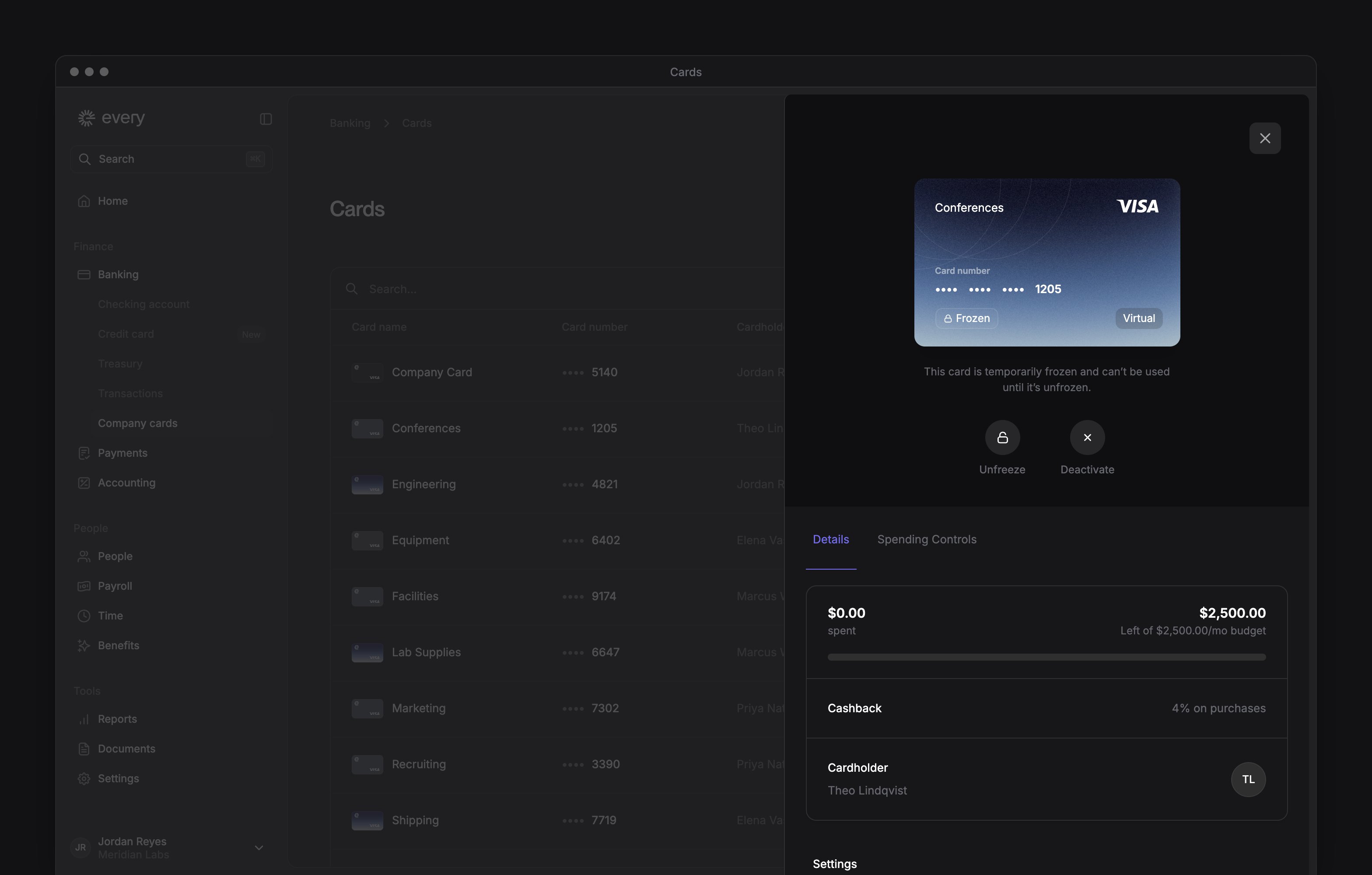
Select a card to open it. The buttons under the card depend on its status and your role:
An active virtual card issued to you can be added to Apple or Google Pay on your phone for purchases in stores. To ask how, email support@every.io.
Below the buttons, the Details tab shows what’s been spent against the card’s limit, its billing address and the cardholder. Credit cards also show your credit account’s available credit.
Under Settings you can change the Spend limit and Card name, then select Save. If Spending Budget appears, you can assign the card to a budget: under Spending budget for this card, choose the budget (see Budgets).
To share a card, open Share card on the Details tab:
1
Choose sharing
Choose Shared with multiple people.
2
Add people
Select Add new.
3
Choose the people
In Share card with, select the people to share with.
4
Share the card
Select the button that counts the people, such as “Share with 2 users”.
- In Share card, point at their row and select the X.
- Select Remove access.
Set spending controls
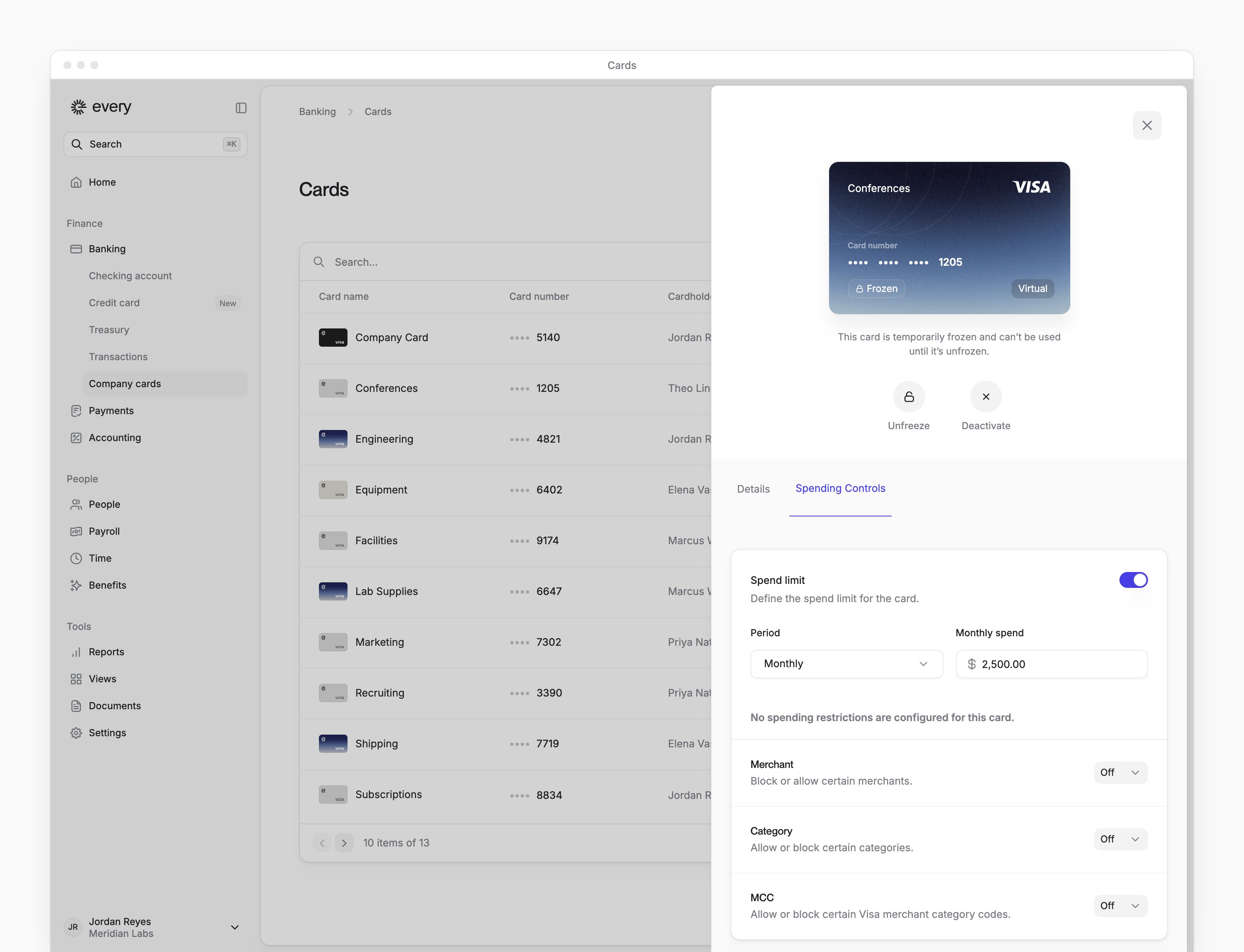
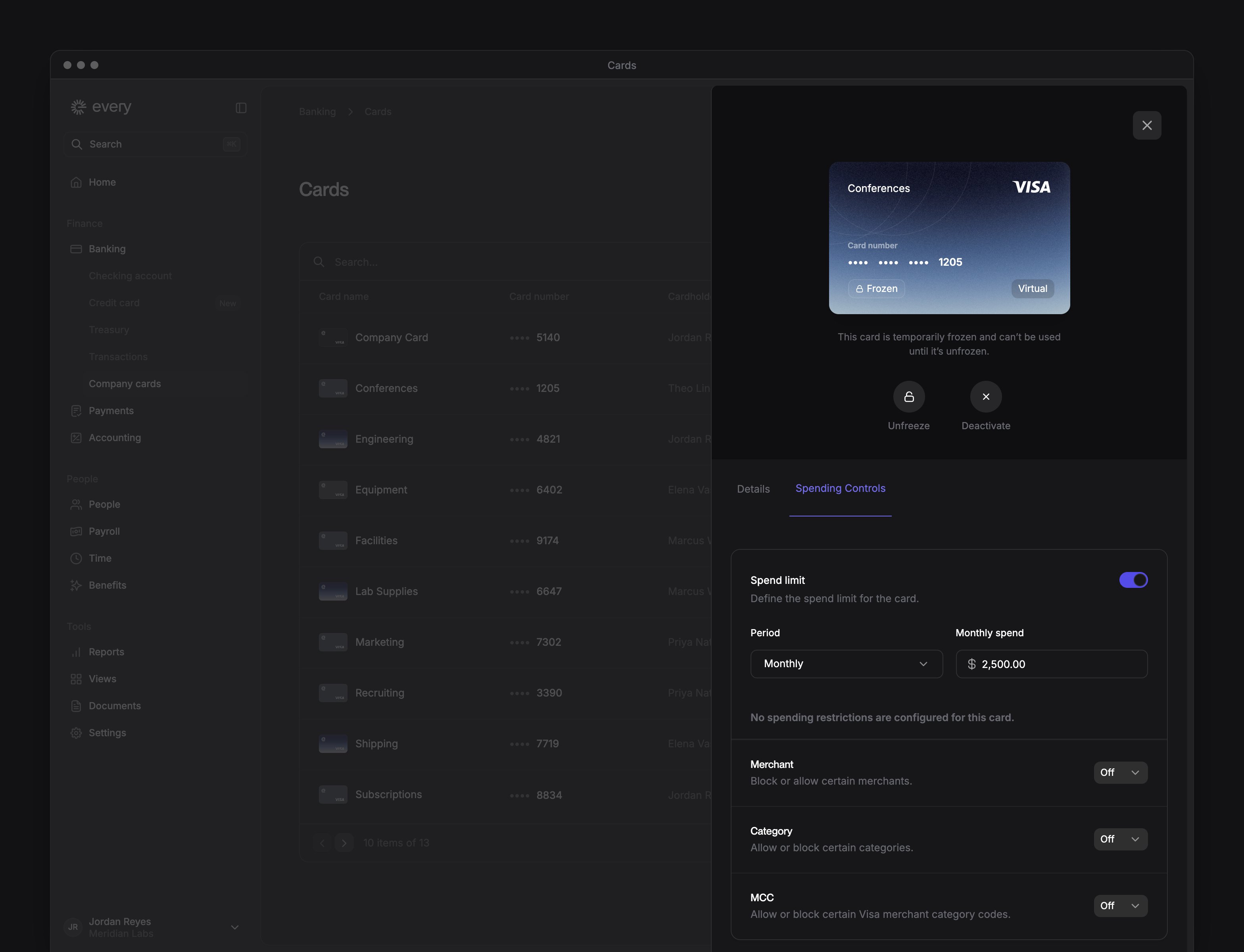
With spending controls, a card has a Spending Controls tab, and its spend limit moves there from Settings.1
Open spending controls
Open the card and select Spending Controls.
2
Choose the rule
For Merchant, Category or MCC (merchant category code), choose Allow or Block, or leave it Off.
3
Add what the rule covers
For Allow or Block, add the merchants, categories or codes the rule covers.
4
Save
Select Save.
Debit card cashback
If your company earns cashback, each debit card purchase earns a percentage of its amount back. The standard rates depend on your checking account’s balance:
A debit card’s Details tab shows the rate it earns now under Cashback, such as “0.5% on purchases”. A refund takes back the cashback on the amount refunded, at the rate in force when the refund arrives.
Cashback is paid as reward points. The full terms are in the Debit Card Rewards Terms of Service.
If you receive reward points, For you on Home shows your point balance. Select Redeem points to open Redeem Rewards, where Rate and Your Total show what your points are worth. To finish redeeming, see Redeem reward points.
Get help with a card
Why was a purchase declined?
Why was a purchase declined?
If the purchase has a Decline reason, it says why.
- Go to Banking → Transactions, open the purchase and look for Decline reason (see Transactions).
- On Banking → Company cards, check the card’s status and spend limit.
What do I do about a lost or stolen card, or a charge I don't recognize?
What do I do about a lost or stolen card, or a charge I don't recognize?
Freeze the card, then email support@every.io.
- Open the card. If it is active, select Freeze.
- Email support@every.io to report it, ask about a replacement or get help with the charge. Include the card’s last digits and, for a charge, its merchant, amount and date.
What does Suspected Fraud mean?
What does Suspected Fraud mean?
The card is blocked. Its sheet says “This card is blocked to protect you due to suspected fraudulent activity.” Email support@every.io to ask what to do next.
What if a fraud link has expired or won't save my response?
What if a fraud link has expired or won't save my response?
Email support@every.io for help or a new link. A link about a suspected fraudulent card transaction can say “This link has expired” or “We couldn’t save your response”.