


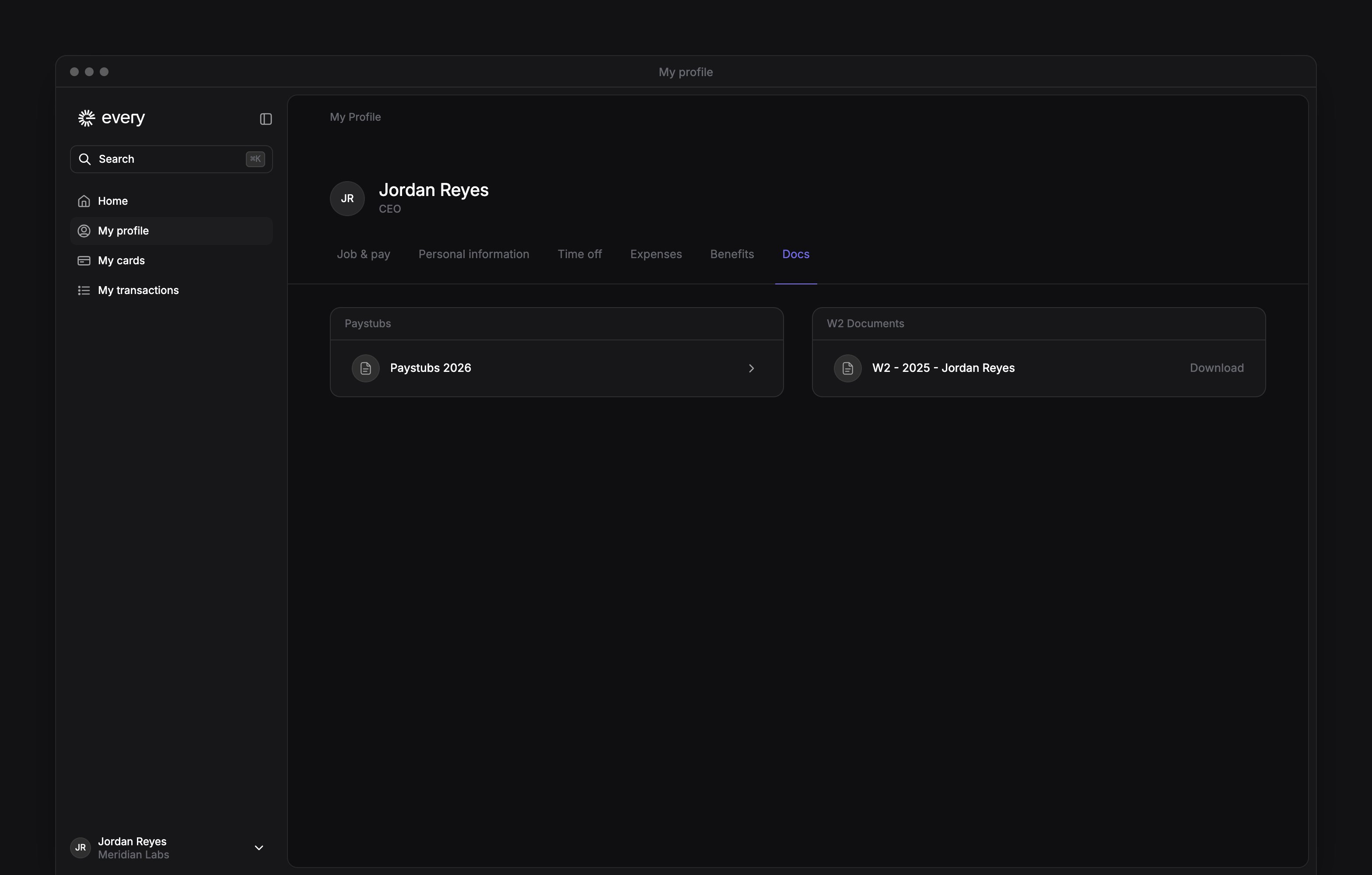
 Your paystubs and tax forms are on My profile → Docs, after your company finishes onboarding. Open a document to view or download it.
This page explains general rules, not legal or tax advice for you. Rules change, and they depend on the state you work in. For your own situation, check with your state’s labor agency, a lawyer or a tax advisor.
Download a paystub
1
Open your documents
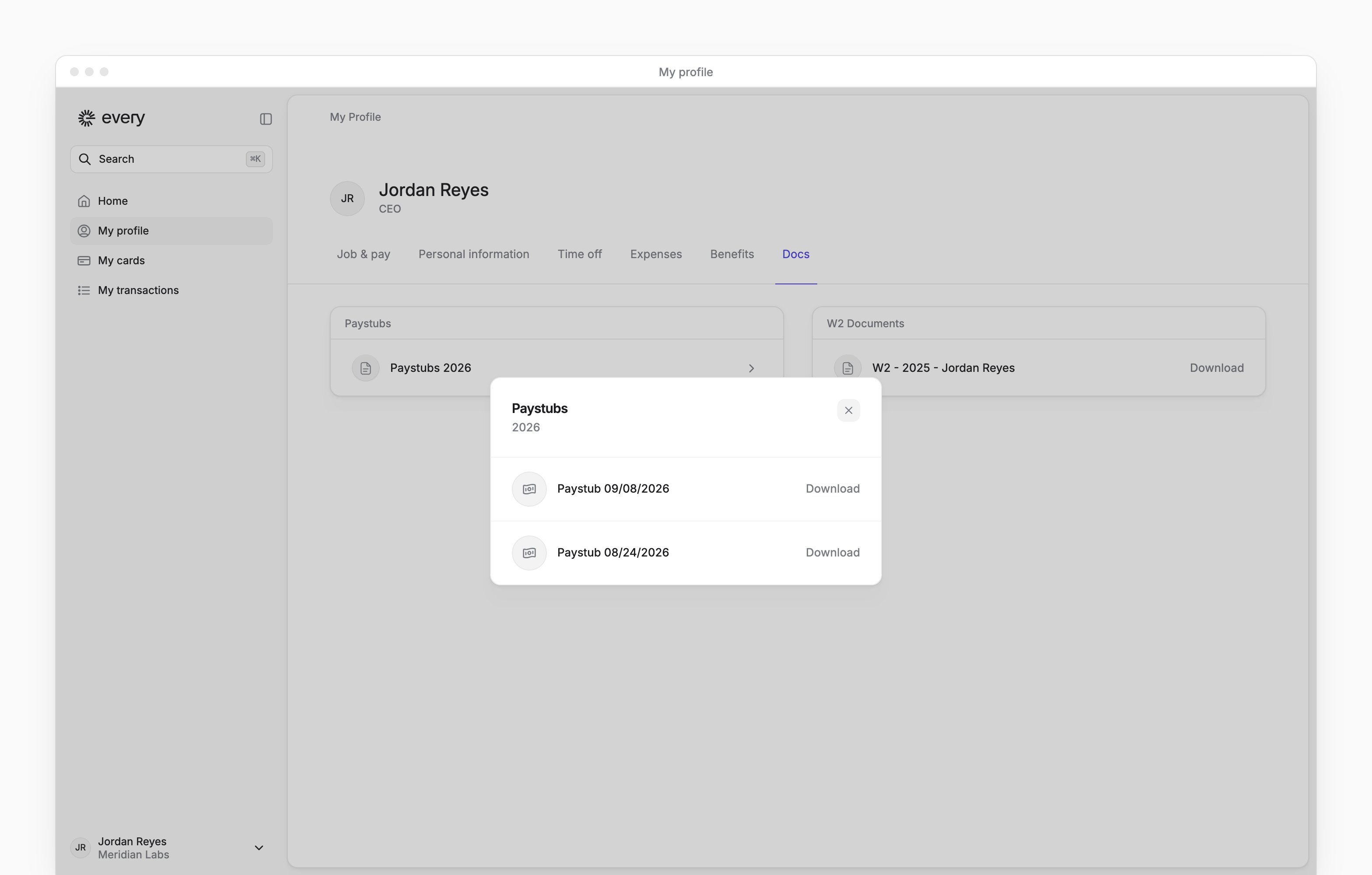
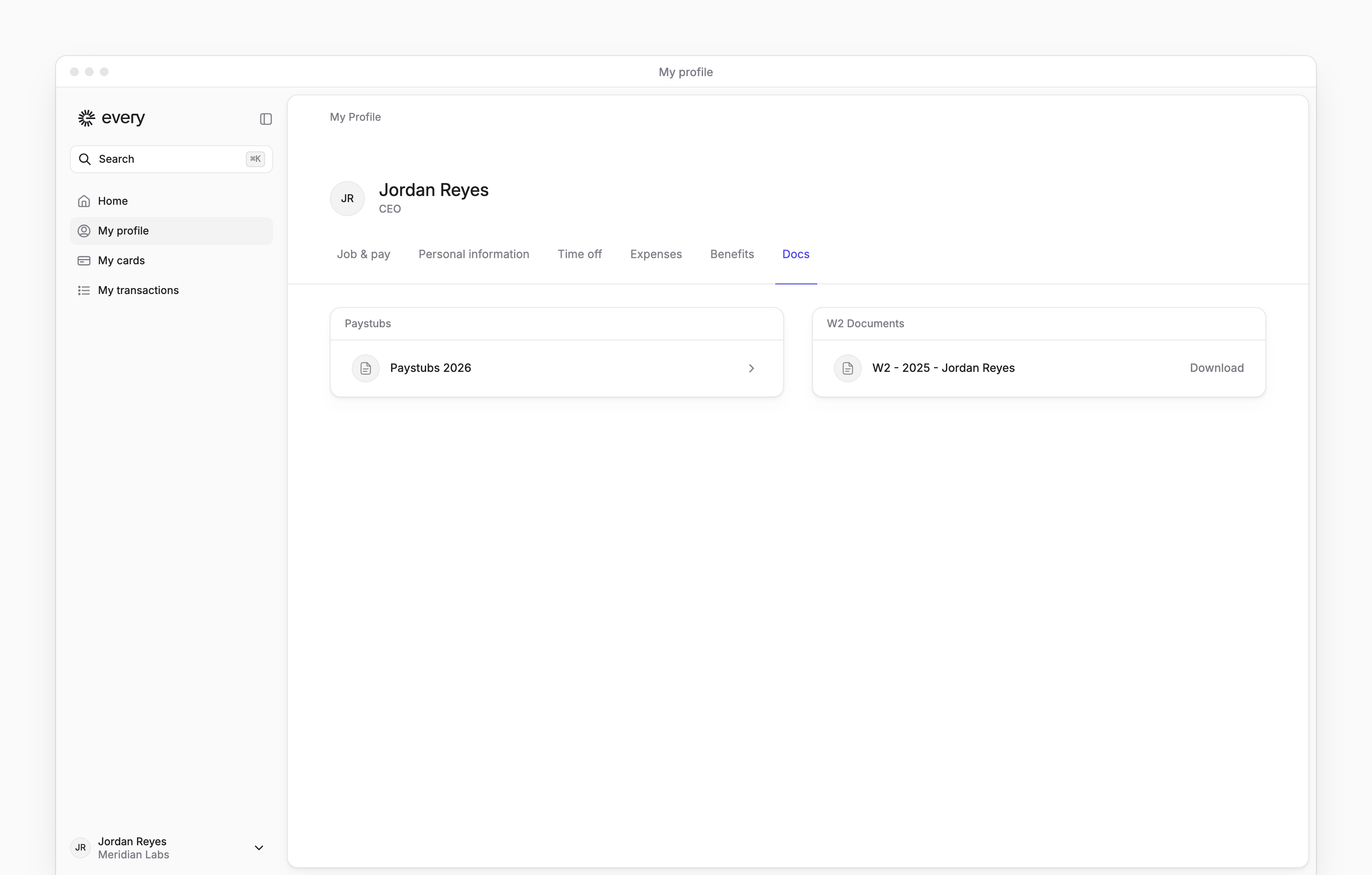
Go to My profile → Docs.
2
Choose the year
Under Paystubs, select the year you need.
3
Download the paystub
In the Paystubs dialog, select Download beside the pay date you need. Every downloads a PDF.

Check your tax withholding
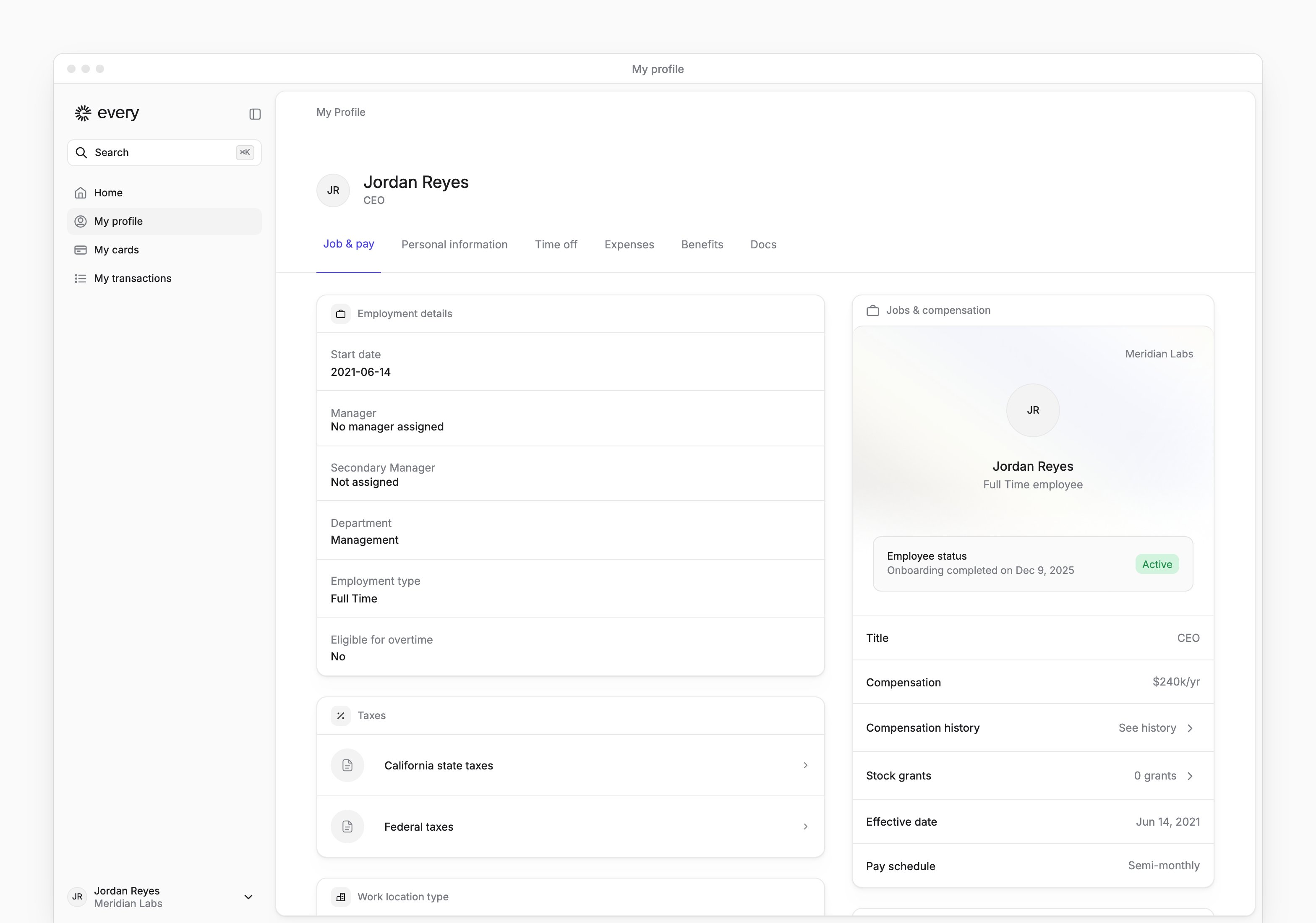
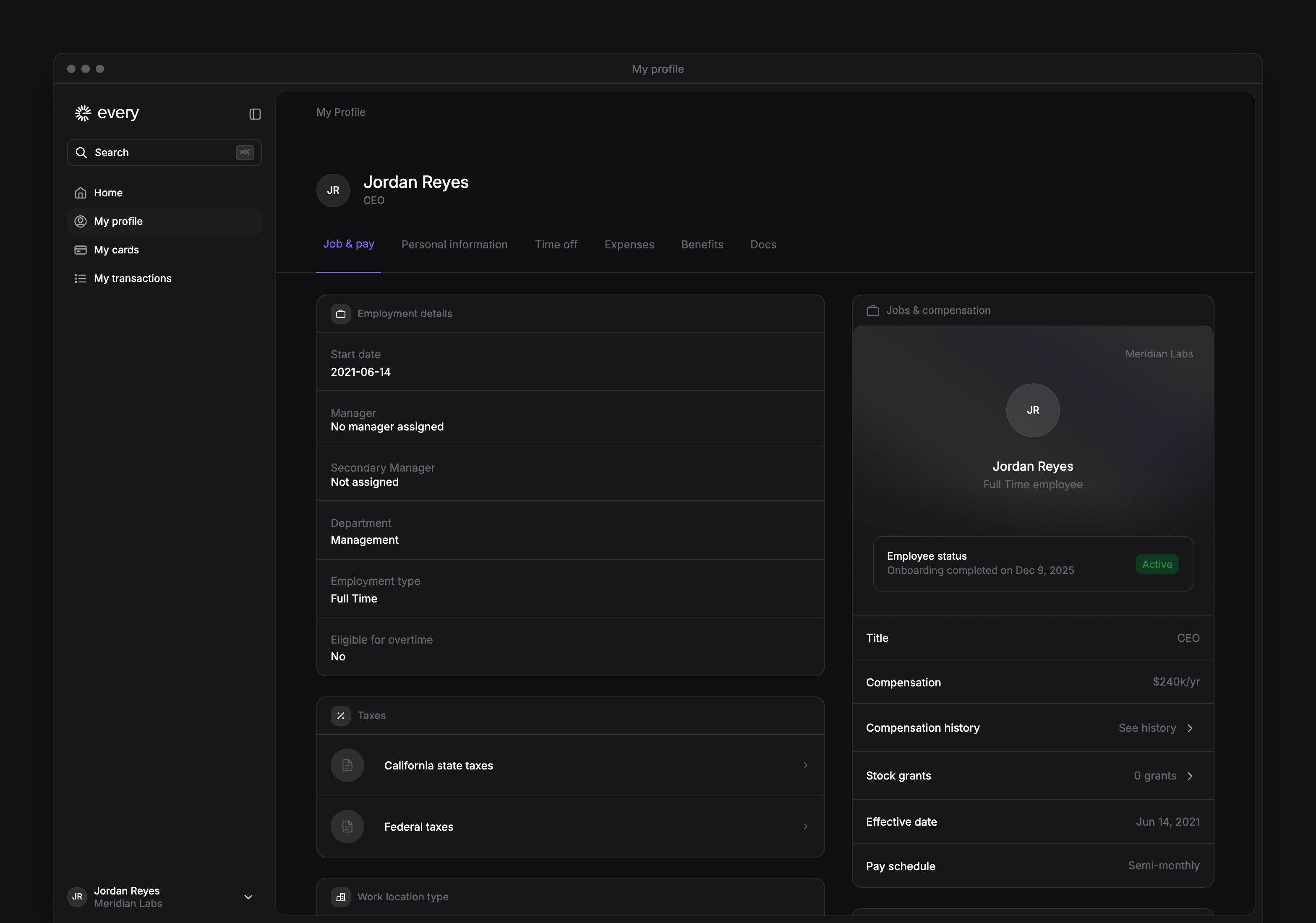
For employees, is under My profile → Job & pay → Taxes. If you entered your withholding and signed on Tax withholding when you joined, this is where you change it.1
Choose a tax form
Select Federal taxes or the state tax row shown for you.
2
Update your withholding
Complete or change the displayed fields. The fields depend on your jurisdiction.
3
Save your changes
Select Save on the form you changed.
Documents
A section appears when you have documents available in it. If a paystub or tax form is missing, email support@every.io to ask when it will be available for your account.
When your W-2 or 1099 is due
The IRS sets when you get your tax forms for the year before:- Your employer must give you your W-2 by January 31. The IRS gives each year’s exact date in its General Instructions for Forms W-2 and W-3.
- A business that files a for you must give you a copy by January 31, or by the next business day when January 31 falls on a weekend or legal holiday.